Context & Problem
Pricing managers, analysts, and sales teams often struggled to:
- Navigate complex dashboards just to find a single answer.
- Translate insights into next steps across multiple tools.
- Ensure actions were compliant with company rules and permissions.
This slowed decision-making, reduced trust in insights, and created extra dependency on technical roles.
Goals
- Boost productivity: Reduce time from insight to action by at least 20%.
- Increase adoption: Make insights universally accessible via natural language, not buried in dashboards.
- Ensure trust: Provide clear confirmations, guardrails, and permissions.
- Scale: Let users save reusable agents and workflows for recurring needs.
Hypothesis: If we embed a conversational AI assistant directly into the dashboard, users will move from "question" → "insight" → "action" in a single flow, cutting manual effort and enabling faster, more confident pricing decisions.
Design Process
1. Research
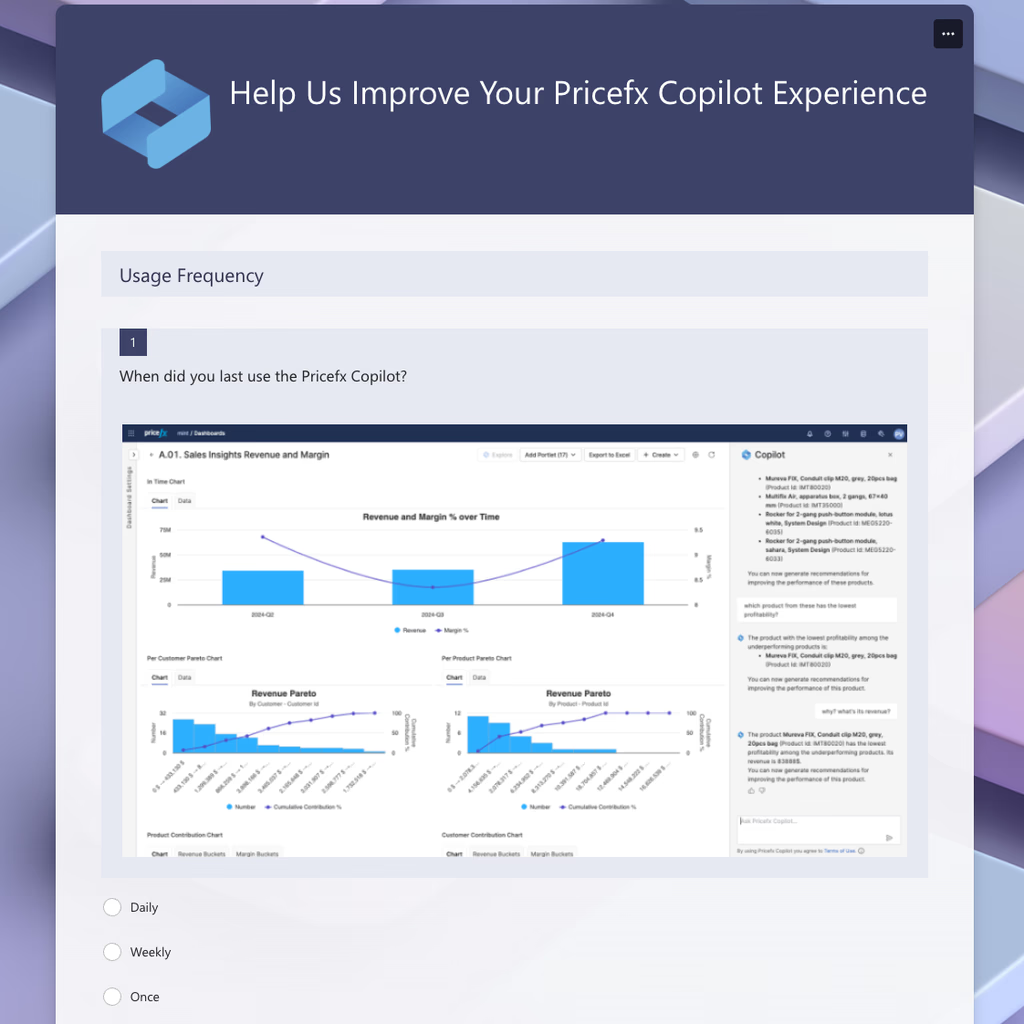
- Conducted interviews with pricing managers and GTM teams.
- Found users wanted conversational access to data but worried about accuracy and compliance.
2. Ideation & Prototyping
- Explored interaction models: persistent chat vs modal assistant.
- Mapped user journeys: "Ask → Validate → Act → Confirm."
- Designed early concepts balancing simplicity for casual users with depth for power users.
3. Testing & Iteration
- Ran usability tests with internal stakeholders.
- Key finding: trust depended heavily on clear confirmations before committing changes.
- Iterated on error handling, permission visibility, and context retention between sessions.
Solution
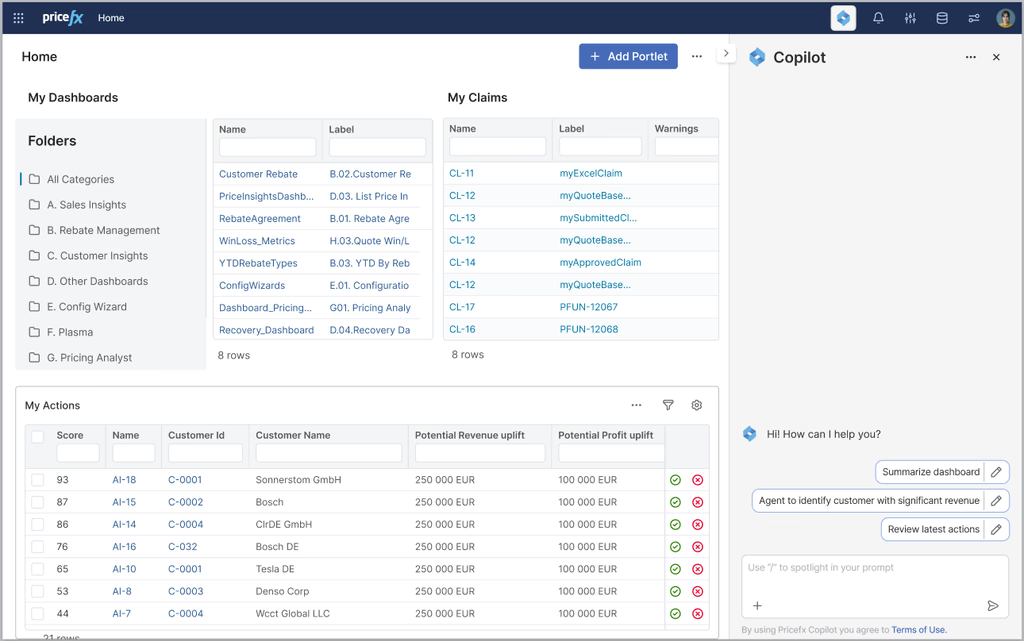
Copilot takes a user from question to action in one flow, directly inside the dashboards.
- Universal Access: Always available from the dashboard, reducing navigation overhead.
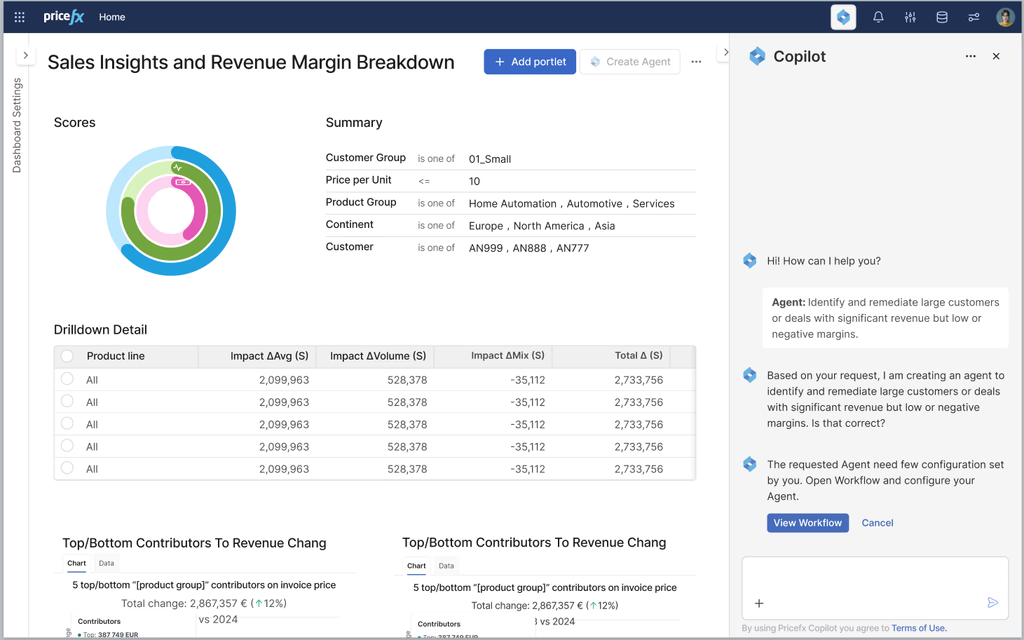
- Natural Language Queries: Users ask questions in plain English; Copilot translates to queries and outputs results.
- Context Passing: Copilot carries context across dashboards, avoiding the need to "re-ask" after switching views.
- Action Execution: Suggested actions appear alongside insights; users confirm before execution.
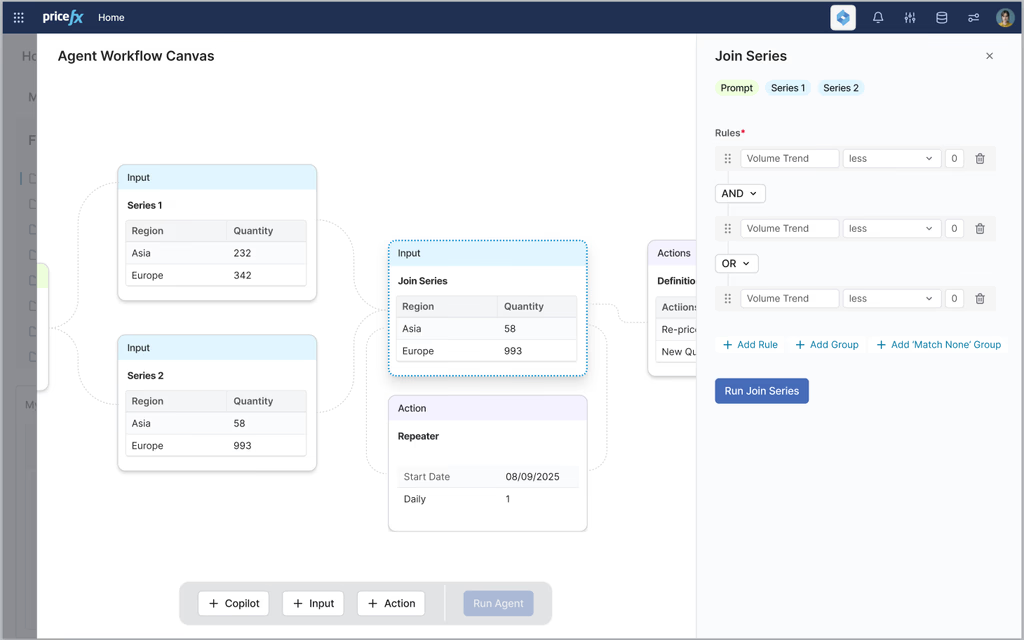
- Agent Creation: Users can save repeat queries or actions as reusable "agents," automating recurring tasks.
Trust & Guardrails
- Role-based permissions: Actions limited by user role.
- Confirmation flows: Every action requires explicit user confirmation.
- Transparent messaging: Copilot explains what it will do before execution.
- Error handling: Friendly fallback messages with options to refine queries.
Outcomes & Impact
Reflection & Next Steps
- What I learned: Designing for trust was as important as designing for speed. Clear confirmations and permissions built confidence in adoption.
- Challenges: Balancing flexibility (natural language) with governance (role-based limits) required iterative testing.
- Next steps: Expand Copilot's capabilities with AI-driven proactive suggestions and tighter integration with external CRM tools.
My Role
As Lead Designer I was responsible for the UI components, interaction entry points, and the main flows. I worked with PMs, engineers, and AI researchers on capabilities and guardrails, built the prototypes in Figma, and tested them with internal users before release.